Systems & Software
Internal tools, dashboards and portals that replace the spreadsheet everyone is afraid to touch.
What this actually means
Most companies run on a spreadsheet that one person understands. It works until it does not — until two people edit it at once, or the person who built it leaves, or you need to know what it looked like last quarter.
We replace those with software: a system with real permissions, a history of what changed, and an interface the rest of the team can use without training. Built around how you already work, rather than forcing you into someone else's product.
What you get
- 01
Process mapping
Before anything is built, we document how the work happens now — including the exceptions people handle manually and never wrote down.
- 02
Custom application
A web application your team signs into, with roles and permissions that match your org rather than a generic admin/user split.
- 03
Data model and migration
A schema that reflects your business, and a migration that brings the existing spreadsheet history with it.
- 04
Integrations
Connected to the tools you already pay for — accounting, payments, email, CRM — so data is entered once.
- 05
Reporting
The numbers leadership asks for, available without anyone rebuilding a pivot table each month.
How we build it
01 · 1–2 weeks
Discover
We sit with the people doing the work and map the process, exceptions included.
02 · 2–3 weeks
Design
Data model and interface designed together, because in a system the two are the same decision.
03 · 6–12 weeks
Build
Shipped in slices. The first useful piece goes live early rather than everything landing at once.
04 · Ongoing
Scale
We watch how it gets used, then cut what nobody touches and deepen what everyone does.
Stack
- Next.js
- TypeScript
- Postgres
- Drizzle
- Auth.js
- Vercel
- Resend
- OpenAI / Anthropic APIs
AI & Automation
Automation that removes work, not the people doing it.
Most useful AI work is unglamorous: it removes a manual step that happens forty times a week. We are interested in that, and in being honest about where a model should not be trusted.
Agents that do the repetitive part
Triage, classification, drafting and routing — the work that currently eats an afternoon a week and does not need judgement.
Integrations between systems that do not talk
Your CRM, your accounting, your inbox and your database, connected so information is entered once.
Retrieval over your own documents
Answers drawn from your contracts, specs and history, with a citation, rather than a model's best guess.
Human review where it matters
Anything that touches money, customers or a legal record gets a person in the loop. That is a design decision, not a limitation.
The work


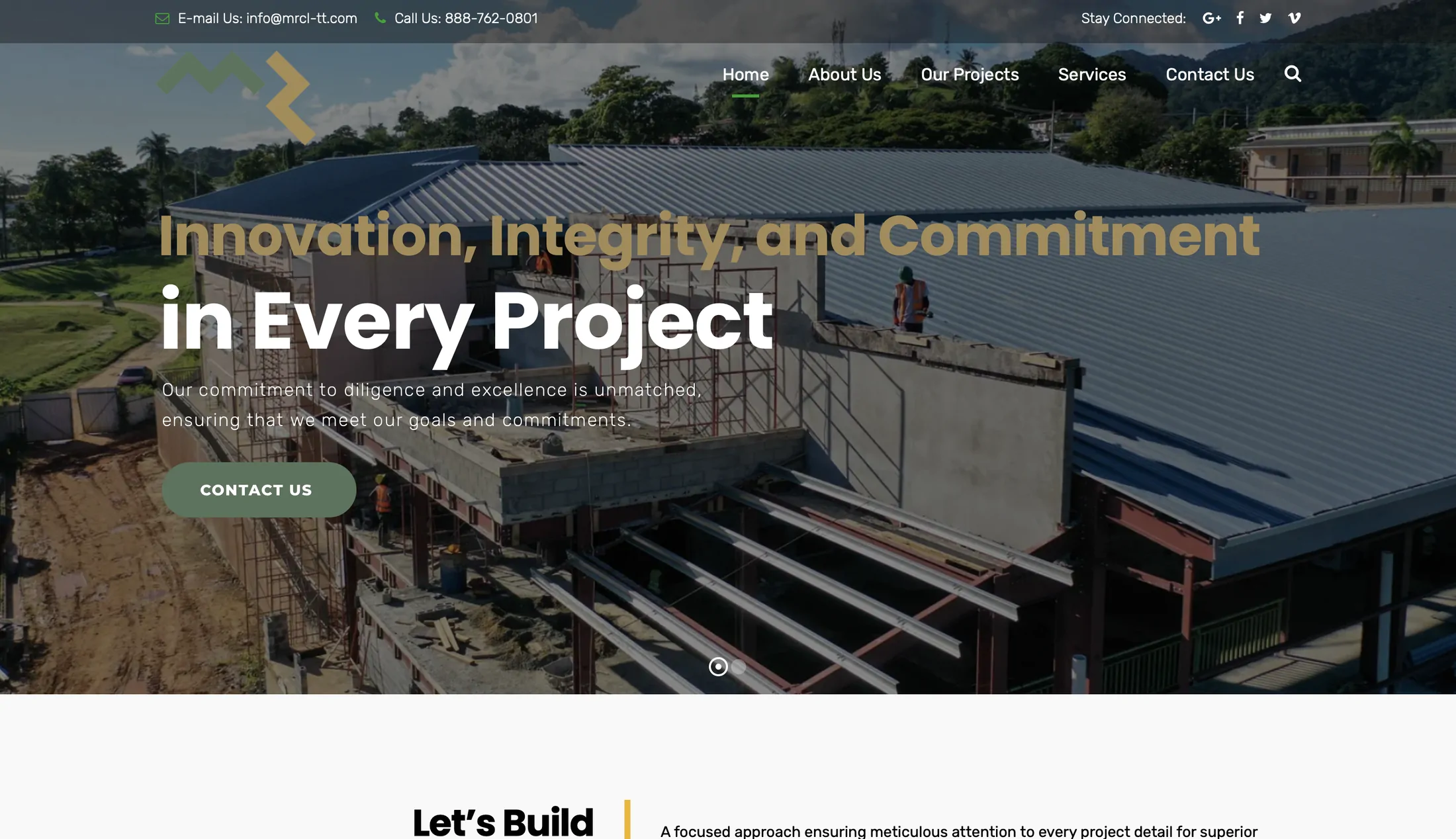
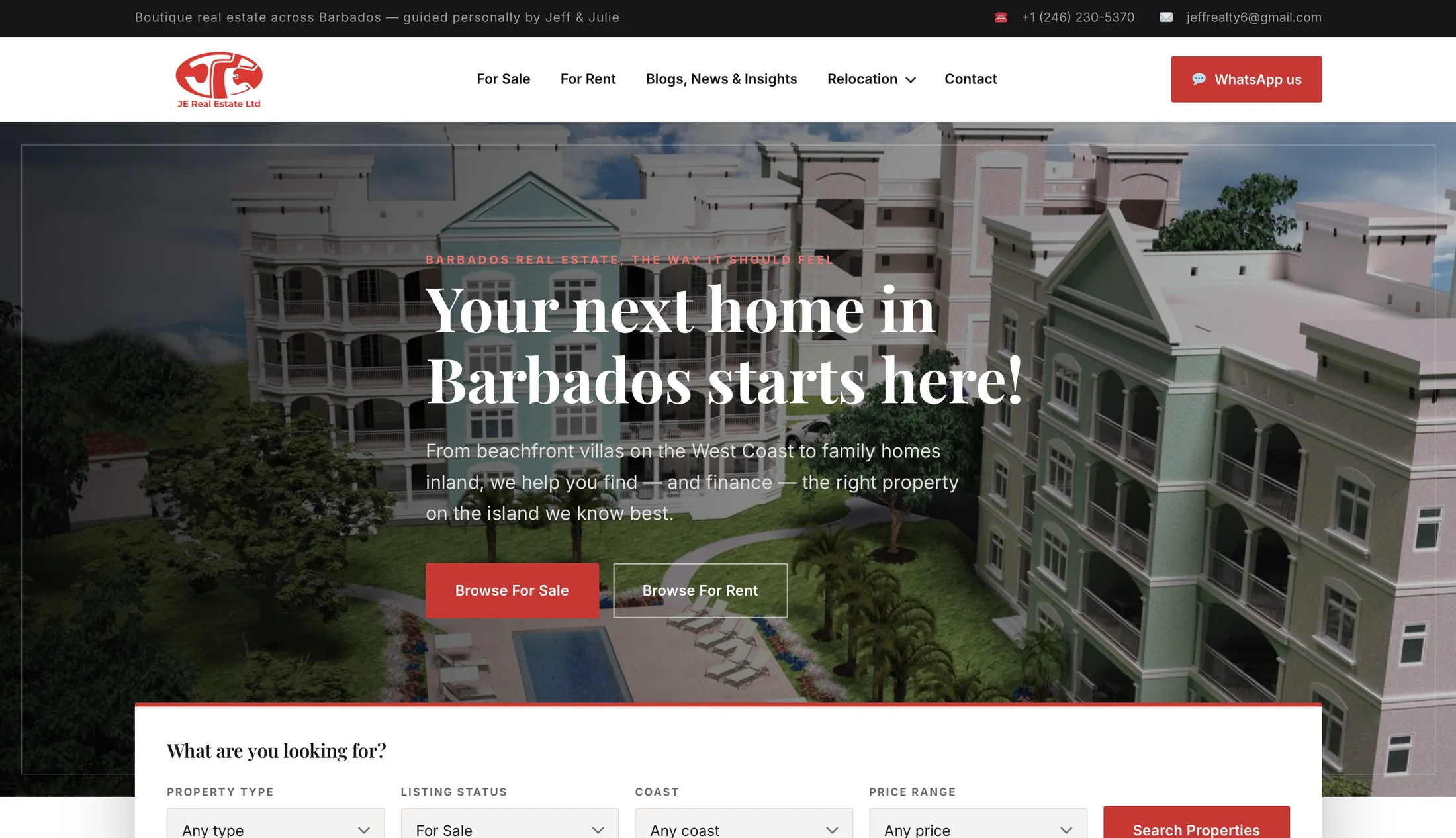
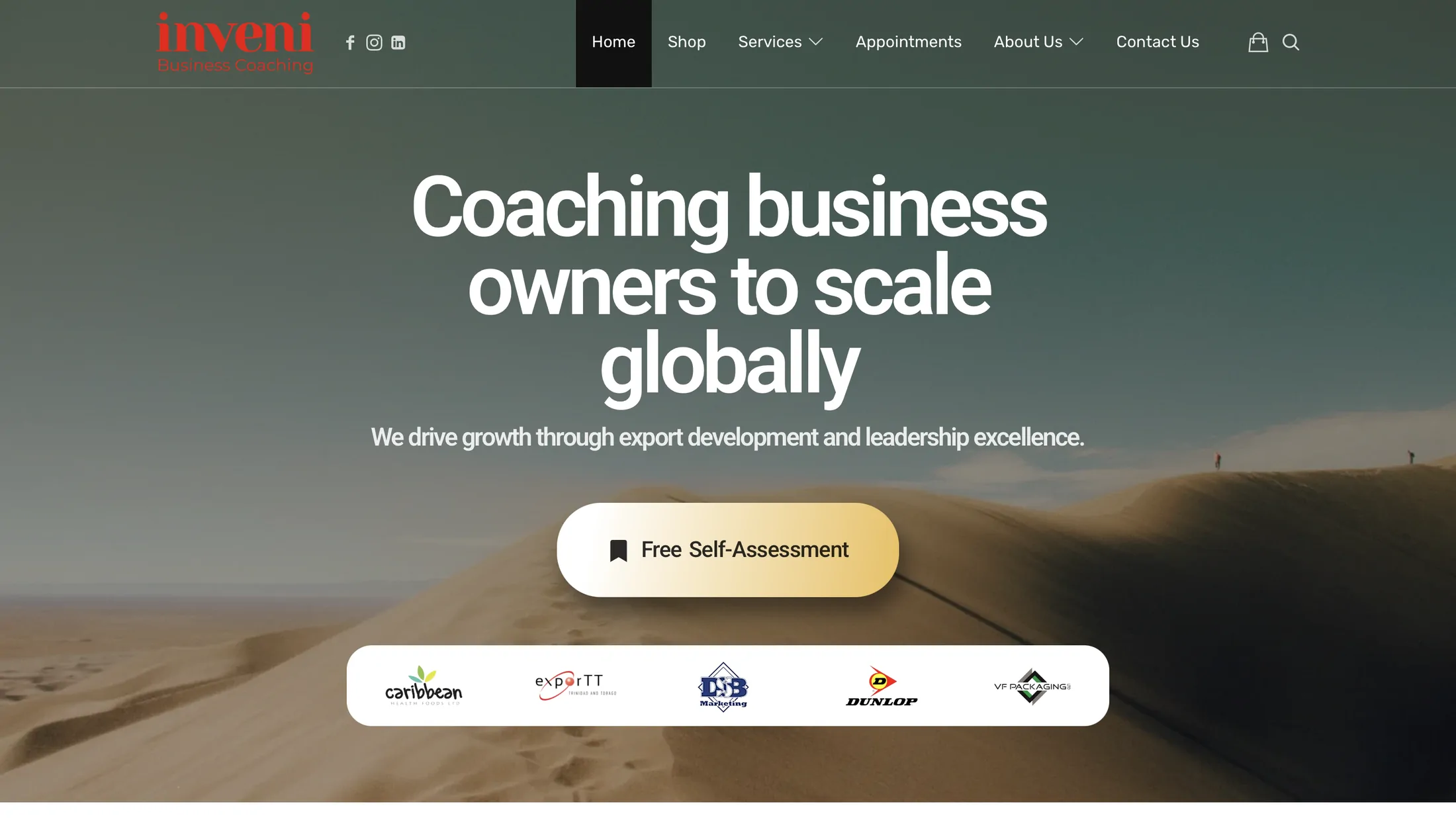
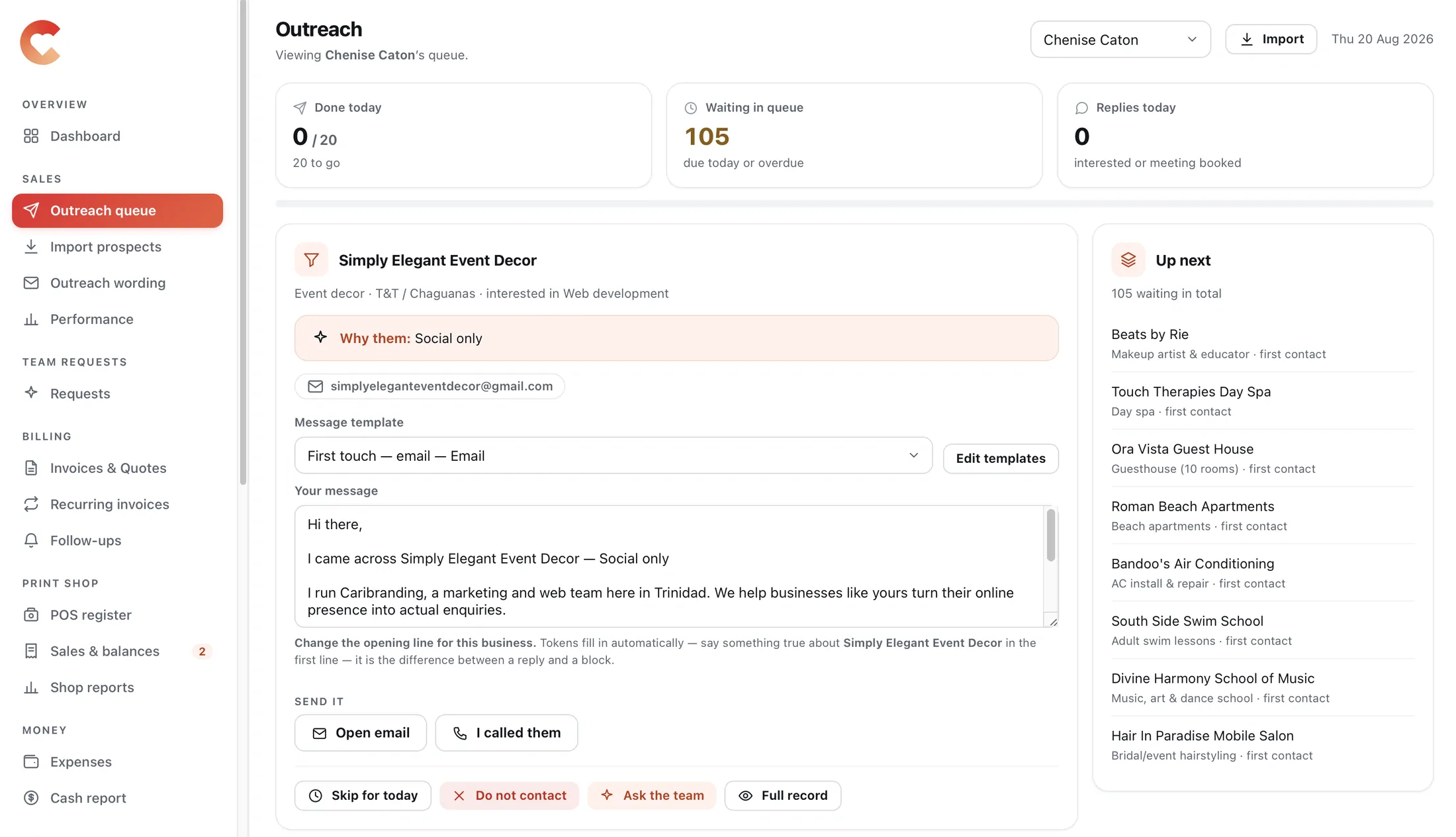
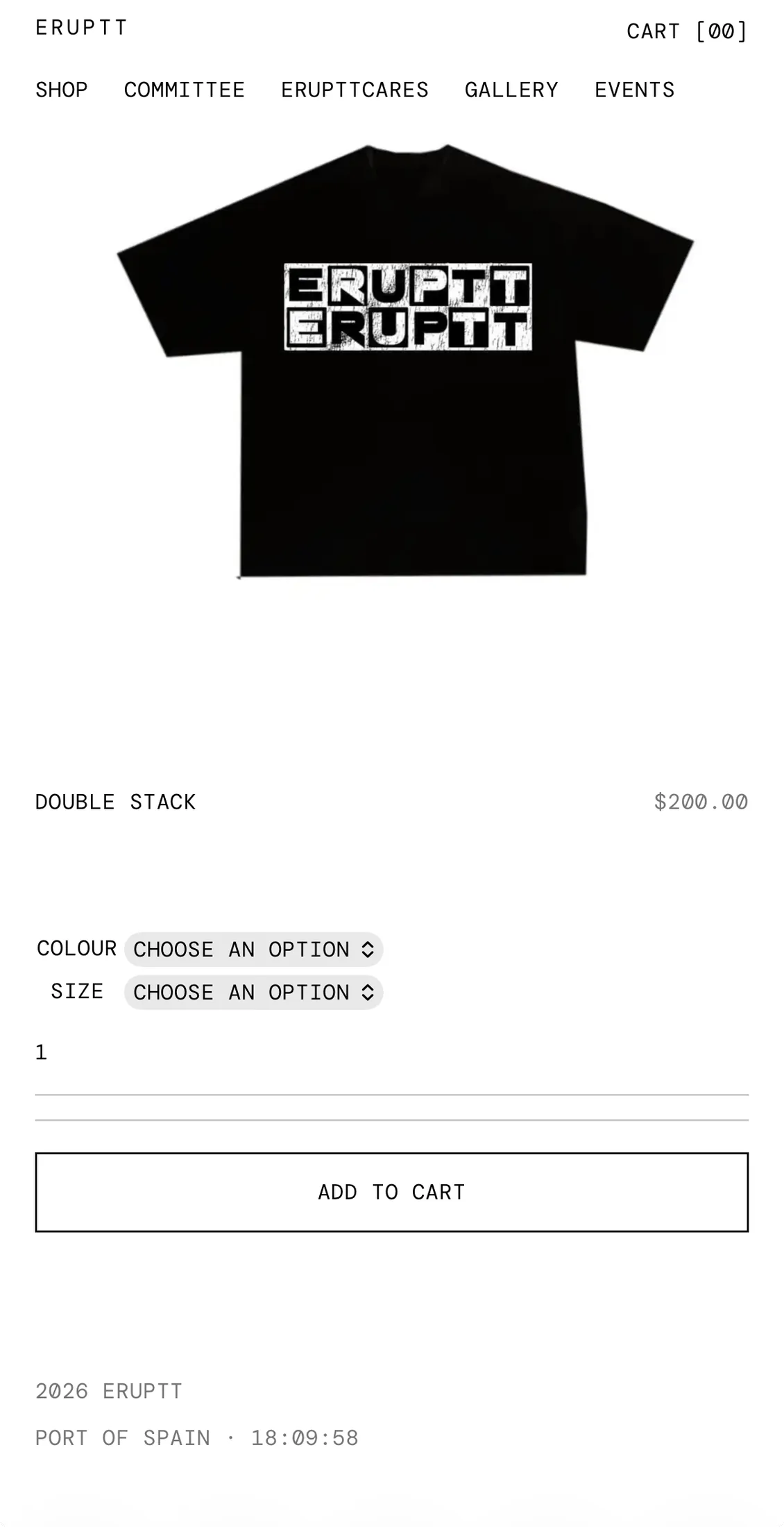

Questions
Why build custom instead of buying software?
Usually you should buy. We will tell you when an off-the-shelf tool covers it. Custom earns its cost when your process is genuinely yours — when the product you would buy needs so much configuration and workaround that you are maintaining software anyway, just badly.
What happens to the data in our spreadsheets?
It comes with you. Migration is part of the build, including historical records, so you are not running the old sheet and the new system side by side.
Who owns the code?
You do. The repository is yours, hosted under your account, and it stays yours whether or not you keep working with us.
Can it work offline or on a phone?
On a phone, yes — these are web applications and they are built responsive. Offline is possible but adds real cost, so we only build it when the work genuinely happens away from a connection.
What does support look like after launch?
A retainer covering fixes, small changes and monitoring. Systems are not finished at launch; the ones that stay useful are the ones that keep changing.
Response within one business day.